 Keepurr
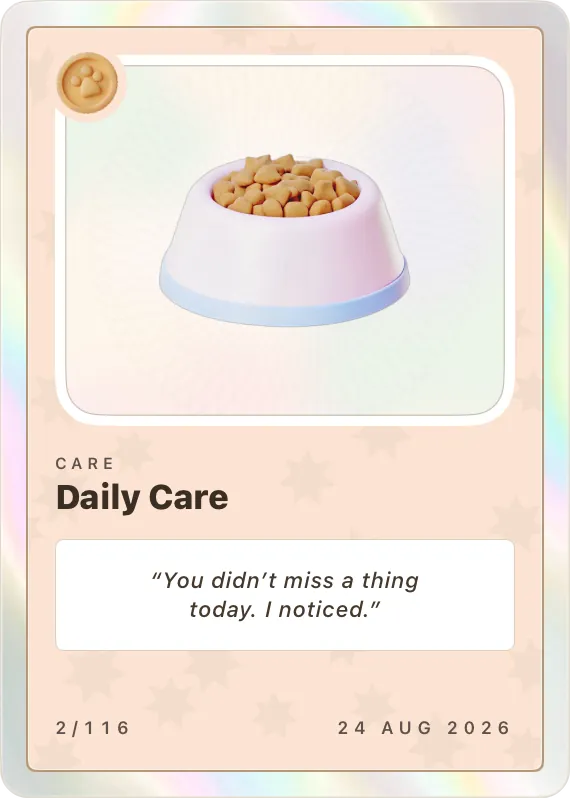
 Daily Care


Log care like you already do
The tap that marks breakfast done is the only input a card ever needs. No separate screen, no form, nothing to remember.
Feeding logged at 7:32 by CamilleKeepurr is a free cat care app for the whole household: one shared checklist for feeding, litter, meds and vet visits, and a health record for every cat. Every so often, the care you already gave comes back as a holographic trading card.
Installs through TestFlight, Apple’s own app for trying apps early. About a minute.
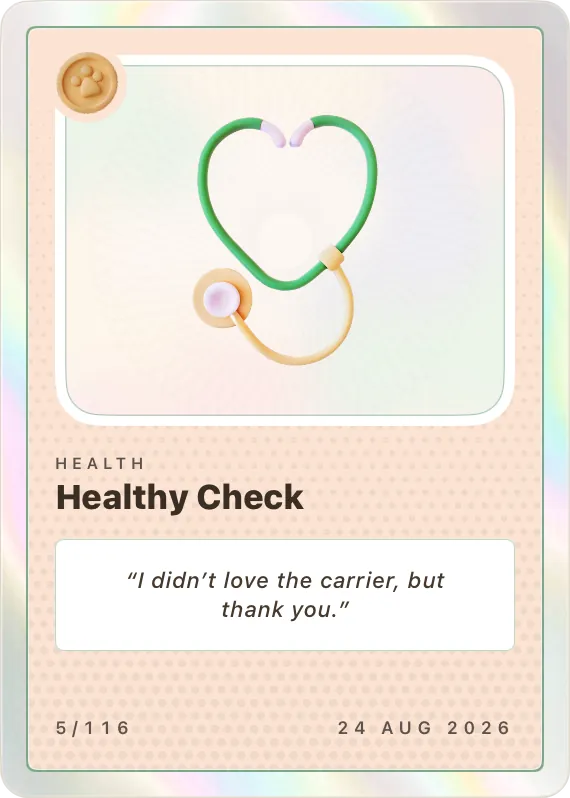
Every cat gets a care list the whole household shares. When something is done, tap it. Keepurr writes down who and when, keeps the streak, and quietly turns the day into cards.
Feeding, water, litter, meds, brushing, play, walks and vet visits, repeating on whatever schedule you set.
The row shows who did it and when, on every phone in the house, so nobody feeds her twice.
Keep most of the day’s care and the Daily Care stamp develops. Streaks, milestones and firsts print as cards, credited to whoever earned them.
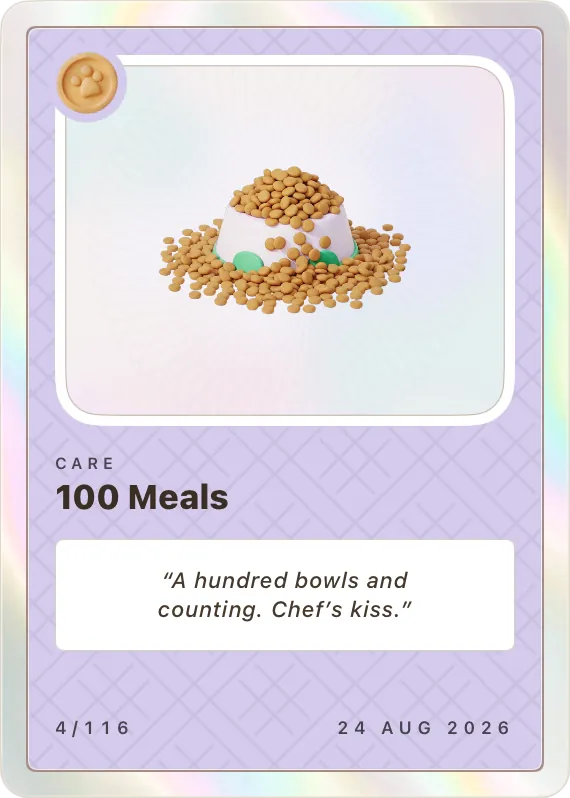
Every trading card in your cat’s Pawsport unlocks from the care you already log. Feed, brush, scoop, show up, and the album fills itself: foil that moves when you tilt the phone, an engraved plate, and the date you earned it.
The tap that marks breakfast done is the only input a card ever needs. No separate screen, no form, nothing to remember.
Feeding logged at 7:32 by Camille
Locked cards sit in the album as gray stock and quietly count. Progress shows in warm words, never a timer, never a guilt trip.
87 of 100 good days
The card prints in its own pastel, with foil that catches the light as you tilt your phone. Everyone in the household sees it, credited to whoever earned it. Sometimes a letter from your cat comes with it.
Card earned Hydration Hero, Sep 2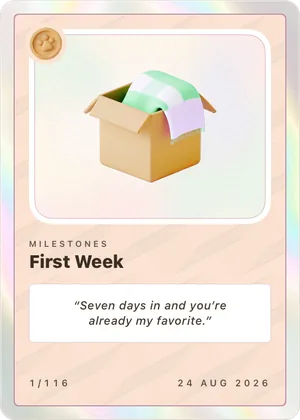
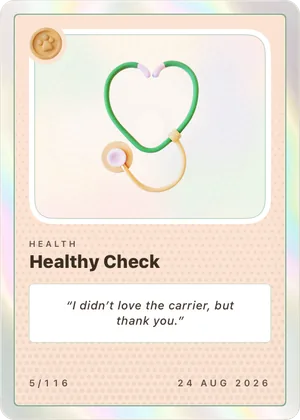
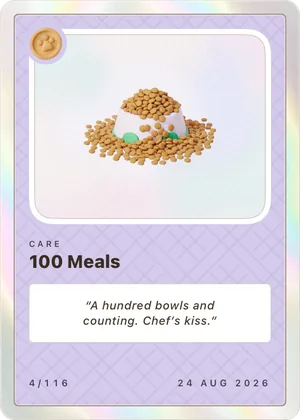
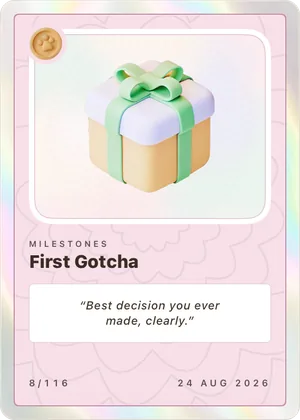
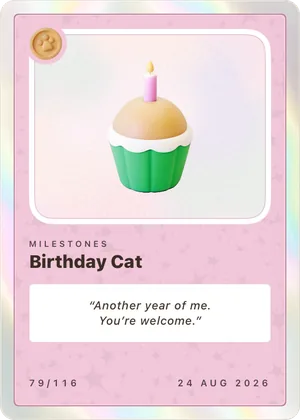
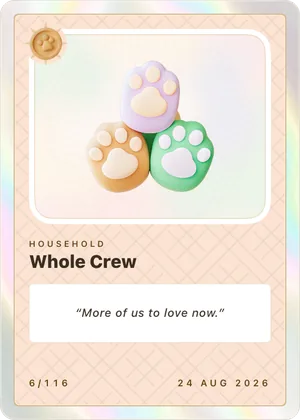
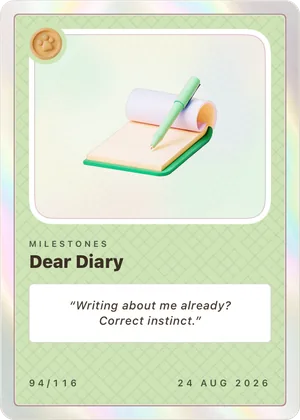
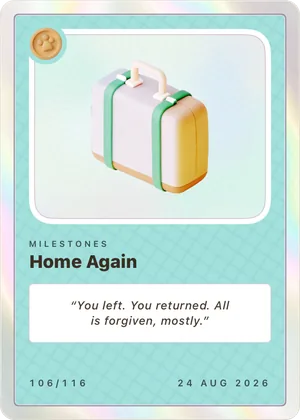
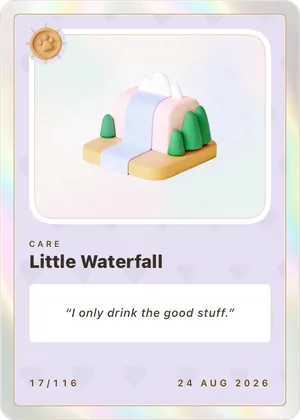
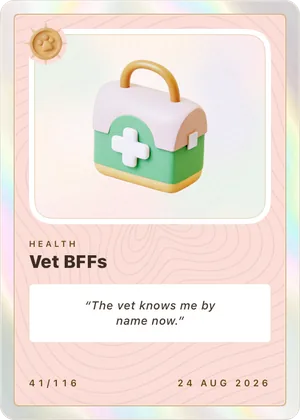
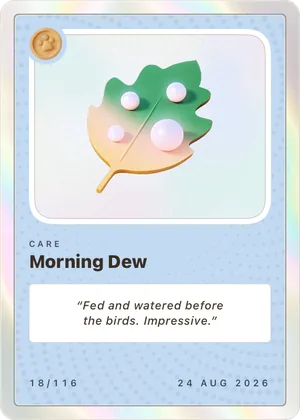
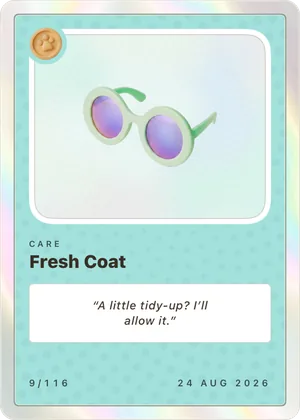
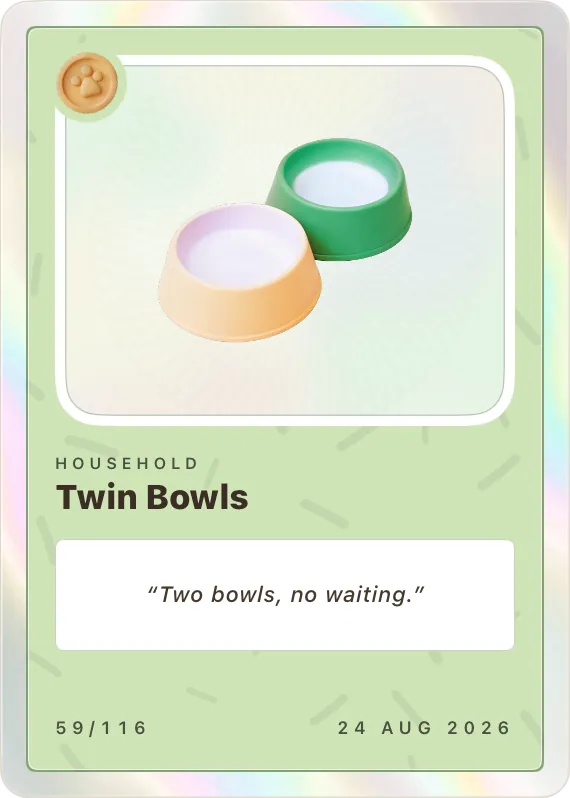
Over a hundred cards across Care, Health, Milestones, Household and Seasons, each with its own engraved plate. Some come back every year. A few are secrets.
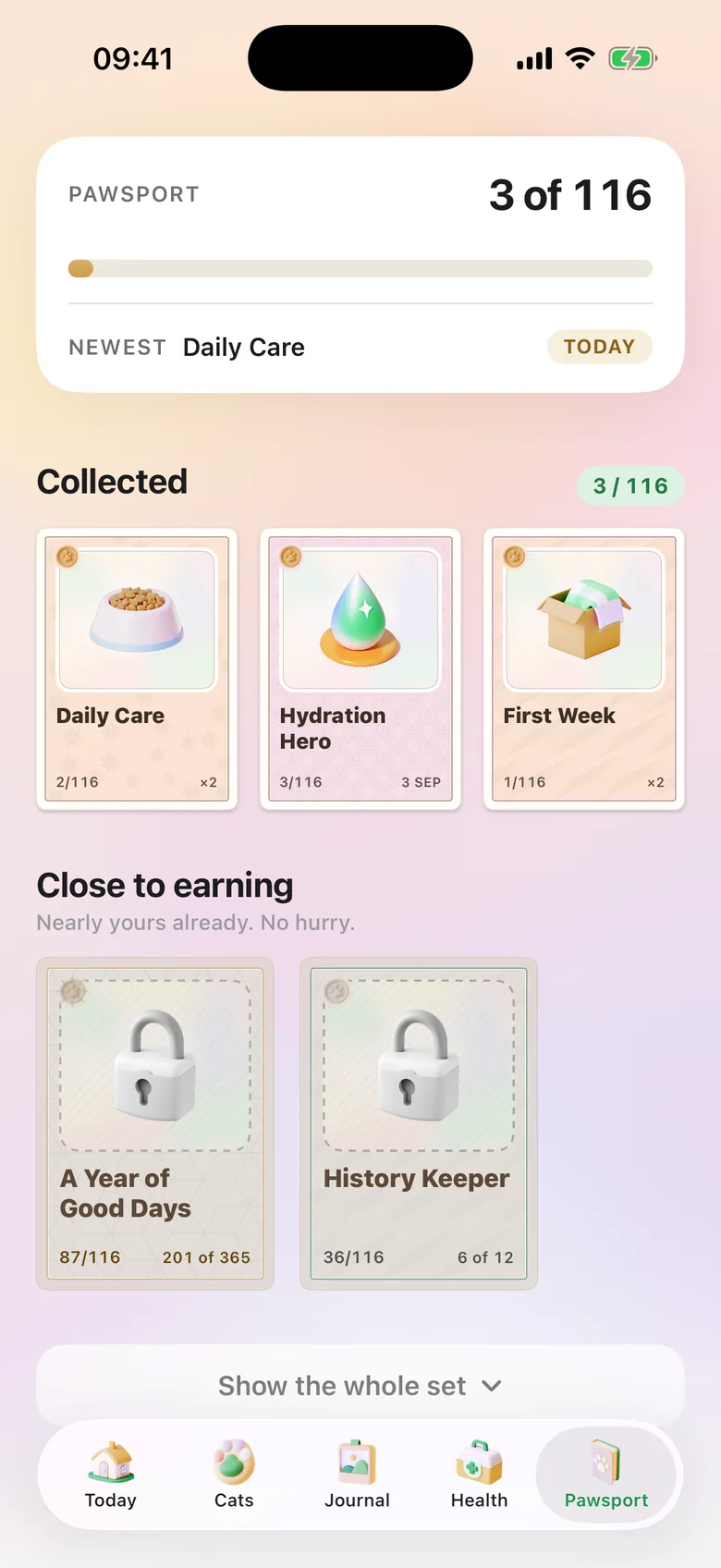
The album is only the start. The longer you care, the more your cat’s Pawsport has to say.
Every so often a letter arrives, written in your cat’s voice, with a new word for their title inside. They come more often the longer you have been caring.
Pick a mood and a type on two wheels and hear the whole name before you keep it. New words unlock with the cards.
Each cat wears a pastel of its own across the app. More colors arrive with the cards that earn them, so the palette grows with your cat.
Keep most of the day’s care and the day is kept. A missed day spends a rest day before it ever breaks the run. There is even a card for the day you missed.
Five tabs: Today, Cats, Journal, Health and Pawsport. No feeds, no ads, no upsells. Just the routine, the record, and the reward.
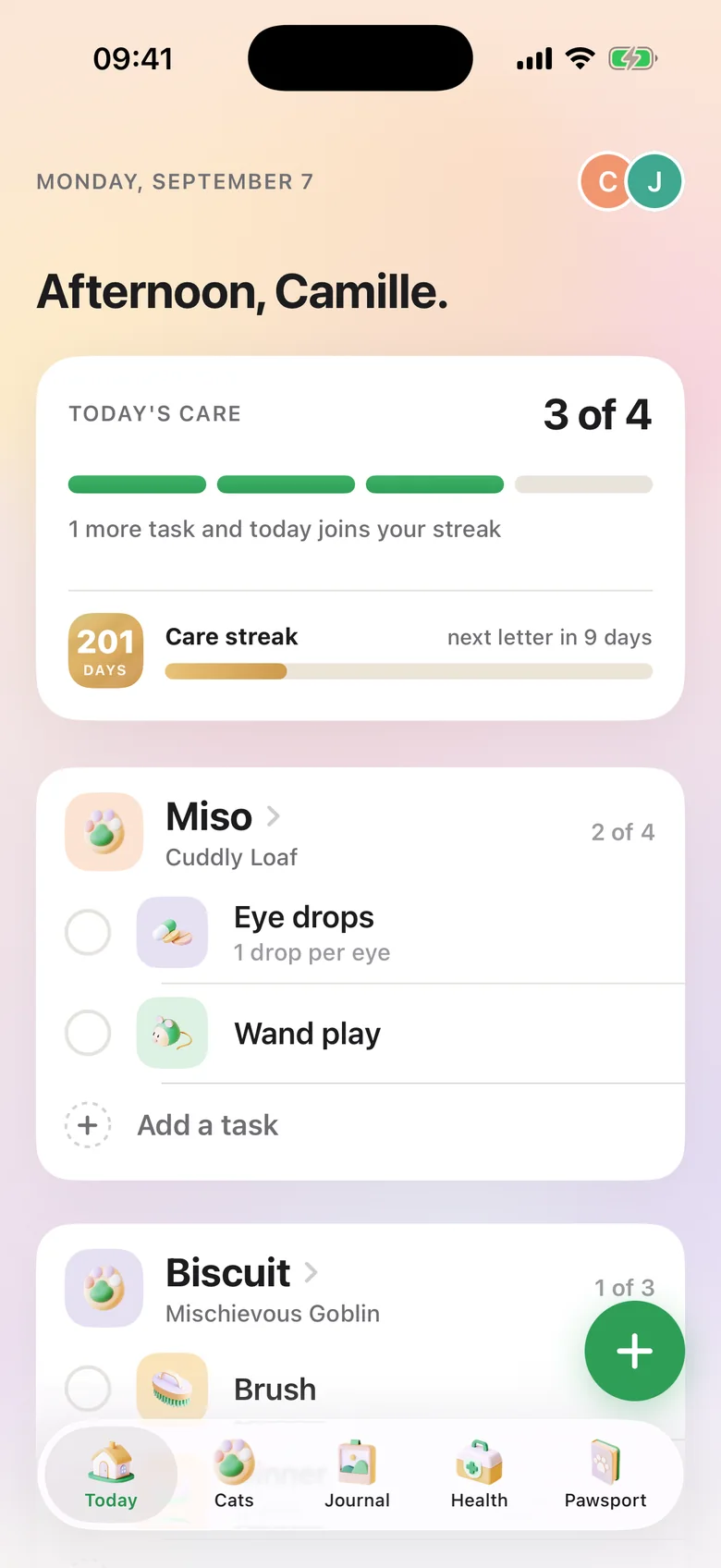
 Today
Today
One shared checklist for the whole household. Every done row shows who did it and when, so breakfast never happens twice and eye drops never happen zero times.
 Household
Invite your partner, roommates or family with a short code. Everyone sees the same cats and the same list, and nobody has to text “did you scoop?”
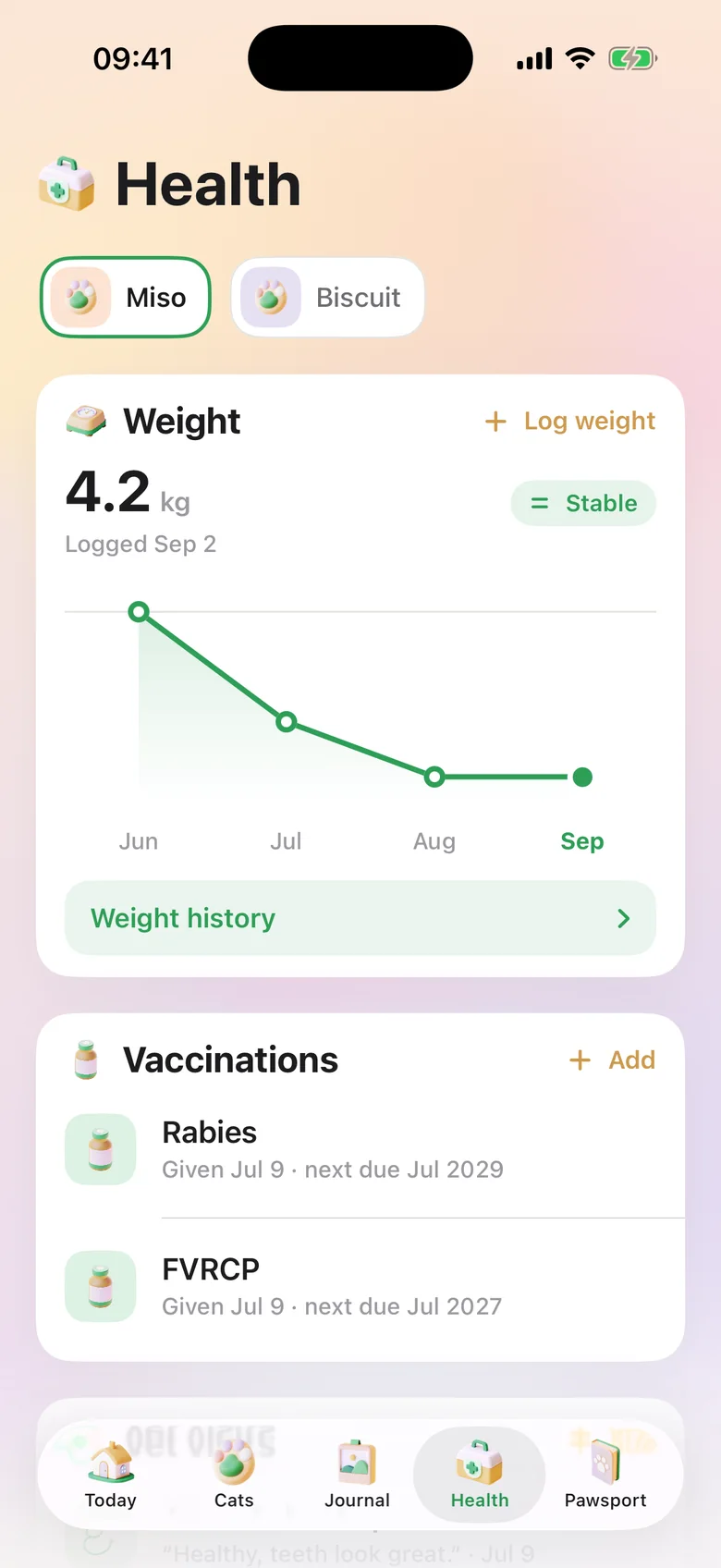
 Health
Weight with a trend line, vaccinations with their next due date, vet visits, medications and symptom notes, per cat.
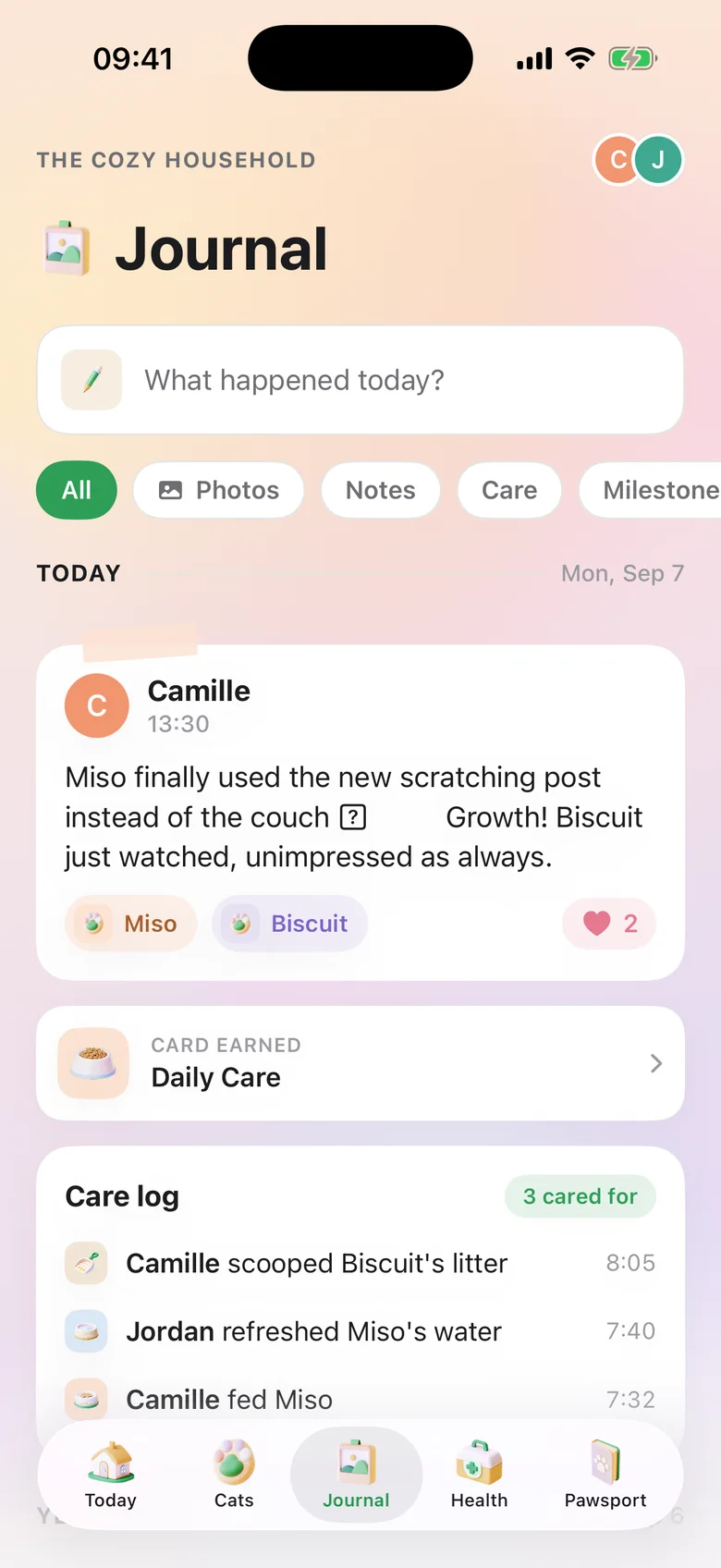
 Journal
A shared journal for the household. Post a photo or a note, tag the cat, and the day’s care log writes itself underneath. Backdate an older photo, and browse every picture in one gallery.
 Reminders
Mark a task done, or skip it, straight from the notification. Set quiet hours, choose when your day resets (2am by default, for the night owls), and press and hold the app icon to log care without opening the app.
 Going away
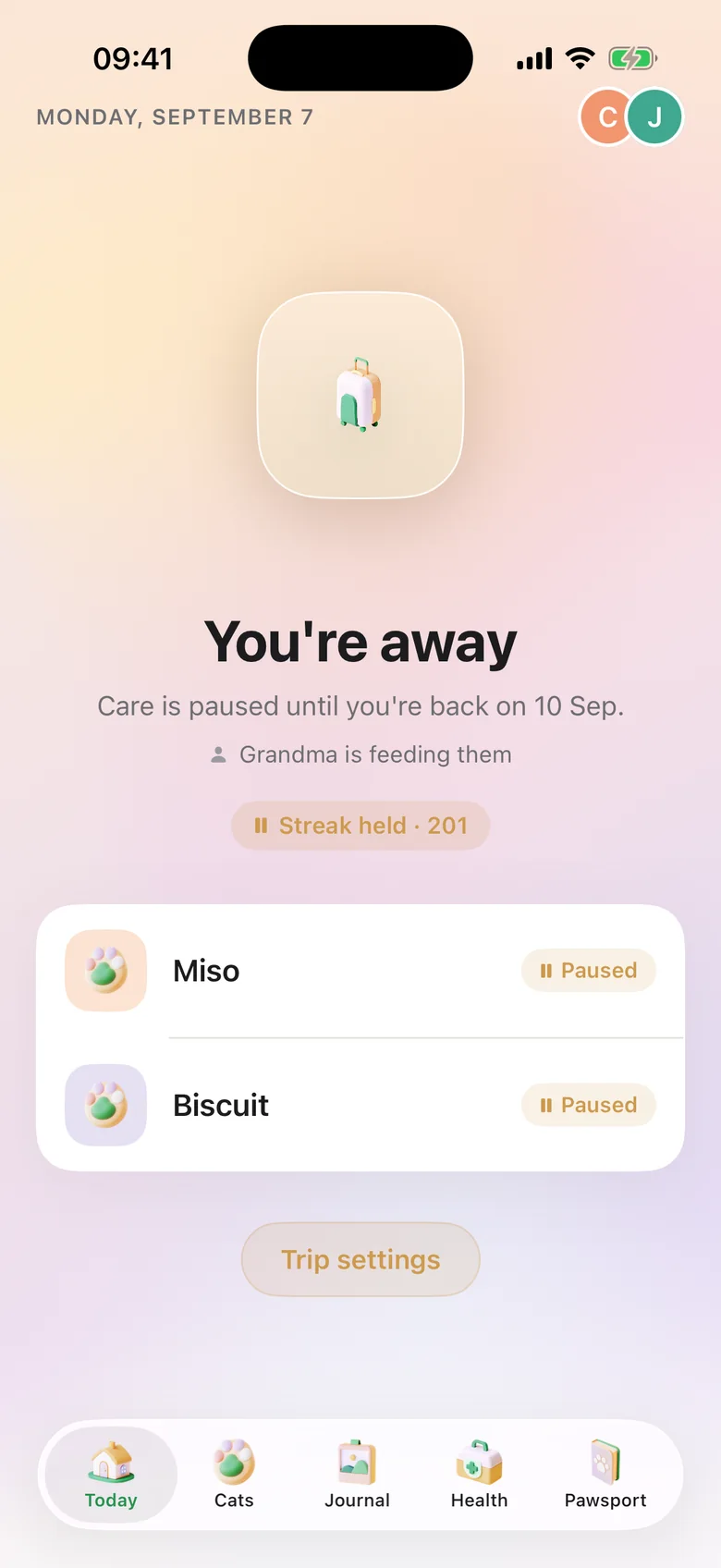
Pick your dates and reminders go quiet. Your care streak is held, never lost. Keepurr writes a care sheet for the sitter, with meds, contacts and red flags first, as a PDF or plain text, so they never need the app.
Keepurr has no servers, no accounts database and no ad network. It is an app on your phone that talks to your iCloud, and to the people you invite.
Read the privacy policy
Cats, routines, health records and journal entries live in your own iCloud account through Apple’s CloudKit. Keepurr never holds a copy.
Sharing runs through iCloud. You choose who is invited, and you can remove anyone at any time.
No new password. Apple gives Keepurr a stable identifier, and your name and email only if you choose to share them.
Anonymous usage counts help find bugs. They never include names, health details or anything you type. No ads, nothing sold. Delete your account and data from Settings whenever you like.

Keepurr is made by Camille Raviart, on his own. There is no company behind it, no growth team and no investor, which is most of why there are no ads, no paywall and no servers to keep fed. The email in the footer goes to him.
Yes. Every feature is free with no paywall and no subscription. If you want to support the app there is an optional tip in Settings, and it never unlocks anything.
Keepurr is finished enough to live with, and still getting better every few weeks. Beta means you get updates a little earlier than the App Store would give them, and anything you notice goes straight to the person who makes it.
Through TestFlight, Apple’s own app for trying apps before they reach the App Store. Get TestFlight from the App Store, then open the Keepurr invite link on your iPhone and tap Install. It takes about a minute and needs iOS 18.6 or later. The three steps are at the bottom of the page.
By caring for your cat. Every card unlocks from care, health and journal entries you already log. There is never a separate step to earn one, and you cannot buy them.
Yes. Keepurr is built around a household. Invite people with a short code and everyone sees the same cats, the same checklist, and who did what and when. Each person needs an iPhone with iCloud. A cat sitter needs neither: the care sheet is a PDF or plain text.
Yes. Each cat has its own routine, health record, journal entries and Pawsport. You can check a task off for every cat in one tap.
Turn on trip mode. Reminders pause, your streak is held rather than lost, and Keepurr writes a care sheet for whoever is looking after your cat, as a PDF or plain text, even if they do not use the app.
In your own iCloud account, using Apple’s CloudKit. Keepurr runs no servers and never holds a copy of your records. You can delete your account and all of its data from Settings at any time. The privacy policy has the details.
Not right now. Keepurr is an iPhone app built on iCloud, and there are no plans for Android at the moment.
Add your cat, invite the household, and start the routine tonight. Free, on iPhone.